Quick Tuning Finder
Our support team will find the best tuning solutions for your truck via WhatsApp.
Please scan this QR code using your smartphone camera to open Akzo Diesel Ltd WhatsApp support chat.
If you're unable to scan the code or if you want to open WhatsApp on your laptop,










Maxxforce - Remote Programming 2017-2019
Key Features
- Remote ECM reprogramming for 2015-2019 MaxxForce engines
- DPF/SCR emulator solution
- eliminates aftertreatment fault codes
- disables DPF and SCR systems remotely
- compatible with MaxxForce 7
- 9
- 10
- 11
- 13
- and 15 engines
- no hardware installation required
- performed by certified technicians via remote connection
- reduces downtime and maintenance costs
- clears emission-related fault codes permanently
Remote Programming – 3 Step Process
1. Schedule & Prepare
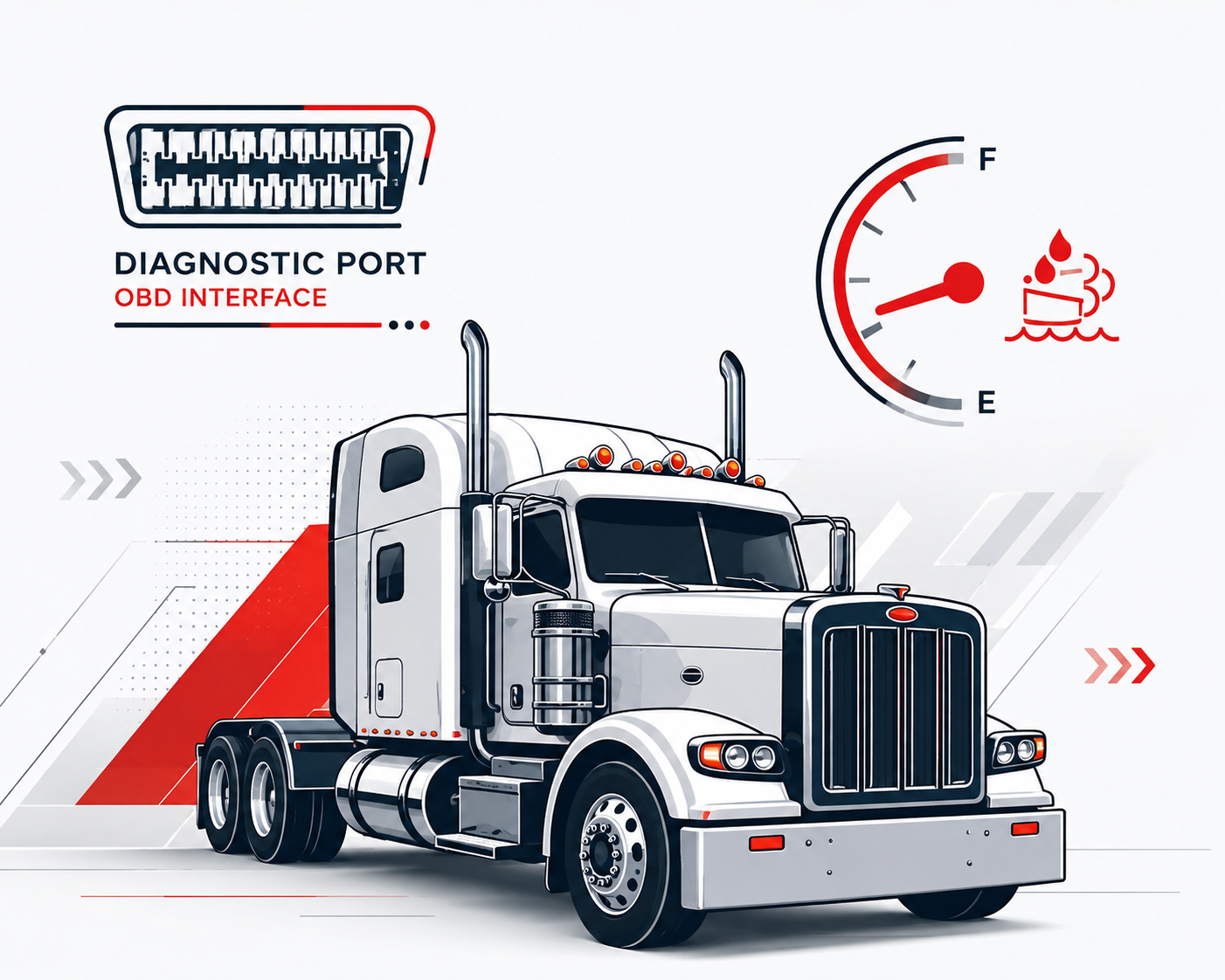
Purchase the remote programming service, then contact our technical support team to schedule your session. Make sure the vehicle is parked with access to a Windows laptop and a compatible diagnostic adapter (NEXIQ, VOCOM, or Inline 6/7).
2. Install TeamViewer
Download and install the free version of TeamViewer on your laptop from: www.TeamViewer.com
3. Connect & Send Access
Hook up to the truck using your diagnostic interface, then send us your TeamViewer ID and password so our technician can connect and complete the remote programming.